
A diary that fits the day
Calendar, desk and agenda views bring visits together. Choose a clinician and suitable room, allow time between appointments and protect busy periods. Reception can follow changes, cancellations, arrivals and missed visits.


Dogoos · for veterinary teams
When a dog's history is scattered and the next step lives on a scrap of paper, the same questions keep coming back. Bring the owner's preparation, your approved advice and the follow-up together, alongside the practice record you already trust.
Before the visit
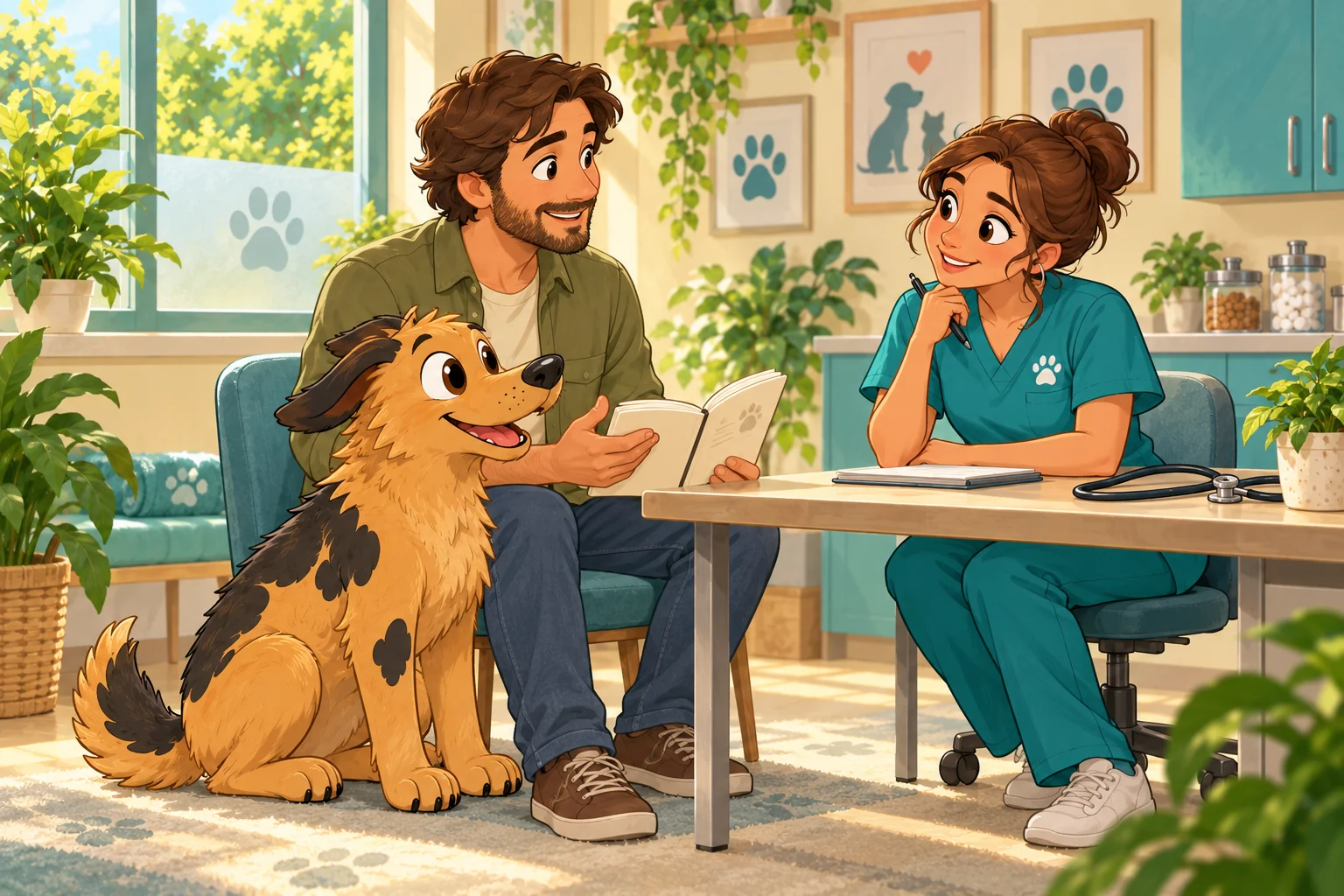
The limp started after the longer walk. The appetite changed the next morning. There was a question the owner meant to ask last time. A dated journal keeps those details close to the dog, ready for a more useful conversation.
The owner's Dogoos Health Hub keeps weight, recorded medications, appointments and notes together. Owners choose the information they want to share with your team, so you can read what happened before the visit begins.
Preparation brings their reason for visiting, questions, medicine information and handling needs together. “I don't know”, “I'm not sharing that” and “Nothing to report” remain different answers. You get their words, with who supplied them and when.
A visit everyone can follow
Owners can see when they have asked for a time and when it is confirmed. Your team keeps the agreed visit clear in the practice diary.
Calendar, desk and agenda views bring visits together. Choose a clinician and suitable room, allow time between appointments and protect busy periods. Reception can follow changes, cancellations, arrivals and missed visits.
The owner sees the agreed details, can confirm the visit or ask for a different time. Someone on the team reviews the change, so a new request does not quietly release the appointment already in the diary.
Offer a held appointment to a waiting owner with a clear reply deadline. Staff confirm the agreed slot in the practice diary. If the offer expires, the hold is reviewed and released, ready for the next person.
After the consultation
The owner may be thinking about the dog, the journey home and who is doing the next shift of care. They can reread the instructions your clinician has approved, check the agreed times and see what you need them to report next.
Your clinical system stays authoritative for the medical record, prescribing, dispensing and clinical invoicing. Dogoos helps the team see who received the advice, what came back from home and what still needs a response.
From your advice to the next conversation
The bit between visits
An owner who needs help can say so without marking the care task complete. A clinician can answer the question while keeping their private notes separate. When the owner later reports what happened, their response stays with the same task and the original request for help.
Agreed care times and reminders sit beside the advice. Outstanding reports, follow-up and recalls have a named person to pick them up, so the next step has somewhere to go.
The current instructions are reviewed again and the owner can see what changed. Withdrawn or conflicting advice stops appearing as something to act on, and the team sees who needs contacting. Before a dog goes home after a procedure, staff check the discharge advice belongs to that visit.
The practice's contact details and out-of-hours route stay close at hand. An urgent concern belongs on the telephone, where someone can respond.
People, dogs and permission
A household can share everyday care, while a friend handles a lift or a relative pays the bill. Keep those roles clear: owner, carer, booker, payer, collector and the person authorised to make a clinical decision.
Your team checks registration and the dog connection before opening shared information. Owners choose what to share, with whom and until when. Booking or paying does not open clinical history.
Handing over a care task means naming the person who will do it and having them accept it. Their report carries their name. If permission changes or identity is disputed, the affected sharing stops and the team can see who still needs to follow up.
The details needed to arrange the visit.
Preparation, approved advice and their own clinical work.
The information and responsibilities shared with them.
A history you can follow
An owner can correct a report without erasing what they first said. Keep the original words beside the later correction, with who wrote each and when. Preparation, advice and answers have the same clear history.
The team can browse earlier visits or find a particular report while today's outstanding work stays visible. Each person sees the information their permission allows, and the clinician's private notes stay separate.
Find the previous advice, the owner's response and any later change together. Authorised clinicians can download retained records for review, with who requested them and why. Your practice's clinical record remains authoritative, and the team keeps track of what has been written back into it.
The next person on the team
Till & accounts
Review products, services, quantities, approved discounts and your VAT settings before recording the sale. The receipt keeps the seller, price and tax breakdown that applied on the day.
Keep split payments, organisation accounts and overdue balances clear. Recorded cash, terminal-payment references and account debt remain distinct. Record refunds against the original sale, with who made the return and why.
Compare payment and category totals with the cash counted at close. Keep discrepancies, statements and reports available for the accounts team. Follow a figure back to the sale behind it.
Practice estimates and clinical invoice references remain available for owners to read and acknowledge. Your clinical system keeps its own invoicing, prescriptions and dispensing records.
Your existing systems
Tell us which practice system you use and how your diary works. We'll discuss what fits your setup, what information needs to move and who needs to check it. Compatibility is considered for your particular system and the work you want it to support.
The practice stays in charge of its clinical records and decisions. Preparation, owner responses and the next follow-up have a clear place around that record.
Agree which client and dog information is needed, check the matches and possible duplicates, and decide who will review it. Advice arriving from another system still needs your clinician's approval. An old balance alone does not show that a payment happened.
Each connection needs agreement about what it can read or change. We discuss those needs with your practice rather than assume every supplier works the same way.
The practical decision
Repeated clarification calls, copying a history into several places and chasing a follow-up all take somebody's time. Walk through a complete handover with your team and look at where that time goes today.
Consider training, ongoing support and any connections your practice needs alongside the day-to-day work. The useful comparison is the one grounded in your own team's experience.
We'll discuss your setup and what you need before you choose a plan. Professional pricing has not yet been announced.
Talk through your needsQuestions, answered
Your practice-management system remains the authoritative clinical record, with prescribing, dispensing and clinical invoicing there. Dogoos supports the handover around it: owner preparation, approved advice, responses from home and a clear next person to follow up.
An owner asks for a time, and your team confirms the visit in the practice diary. The agreed details stay visible. Owners can confirm their visit or request a change, and staff review the replacement before releasing the original appointment. Waiting-list offers have a clear reply deadline.
Owners choose the dog information, recipient, purpose and sharing period. Your team checks the dog connection and reviews the information before using it for preparation. Booking or paying does not grant clinical access, and a carer receives only the information and responsibilities agreed for them.
Your clinician reviews and approves the instructions. Owners can read them, agree the care times, report what happened or ask for help. Those reports keep the person's name beside them and remain distinct from clinical review. Dogoos does not diagnose or choose a dose.
Tell us which practice system you use and what you want to connect. We'll discuss the available route, the information involved and the checks your team needs. Each supplier and connection needs its own assessment; compatibility is not assumed.
Professional pricing has not yet been announced. We'll discuss your team, existing systems and what you need before you choose a plan, so the conversation starts with the work you want to support.
Let's talk
Tell us about your practice, the system you use and the questions that keep coming back to the desk. We'll start there.